 Tiny Tank
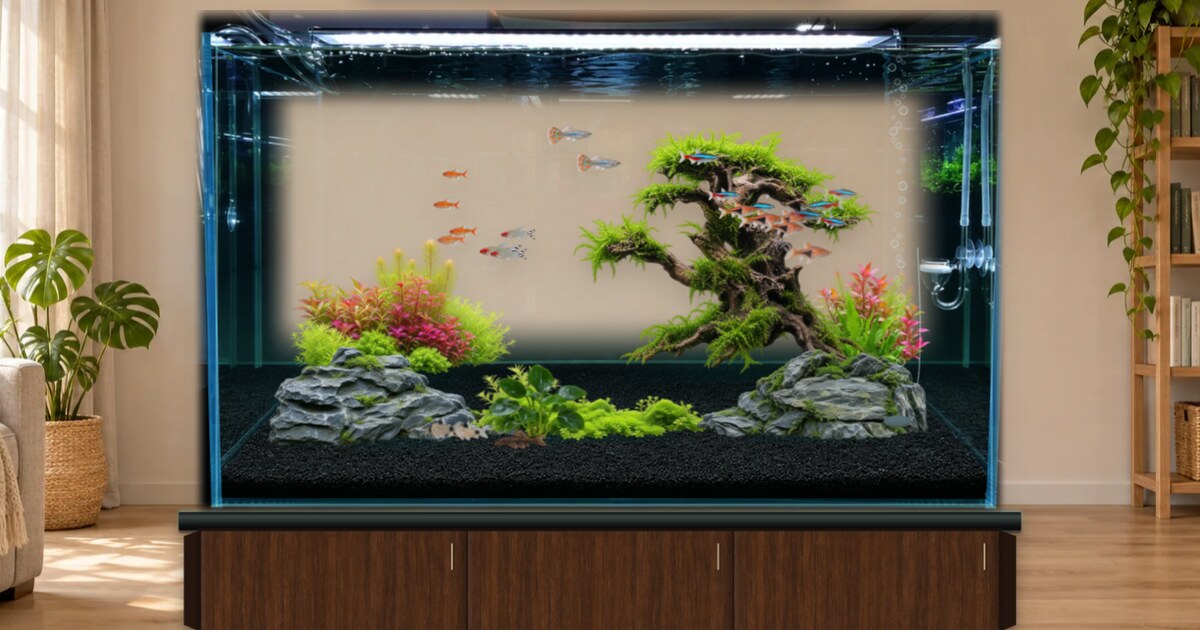
Make the tank your own
Choose fish, add plants and move rocks or driftwood to create your own aquascape. Try a planted layout, leave an open swimming area or build around a favourite piece of wood. The 3D aquarium is interactive: you can feed the fish and return to care for the tank.
A relaxing aquarium for your browser
Watch fish swim among plants while light and rooms give the aquarium a different atmosphere. Use it for a quiet break at your desk or enjoy watching your tank develop. The browser interface is available in English and Vietnamese; choose your language in Settings.
Tiny Tank on Apple TV
Tiny Tank also has an Apple TV app for enjoying a virtual aquarium on your television. Follow the App Store link to check the current price, device requirements and availability in your country. The browser aquarium remains free to use.
Learn about real planted aquariums
The English wiki covers freshwater fish, shrimp, snails, aquatic plants, stones and driftwood. Read identification notes, care information and linked sources before planning a real tank. Simulation growth times, food and stocking limits describe the app and should not be used for live animals.
Before you open your aquarium
Is this a free aquarium game?
The browser aquarium is free. You can arrange a planted tank and care for virtual fish. Apple TV pricing is listed separately on the App Store.
Do I need to download anything?
No installation is needed for the web version. Use a browser with WebGL support to display the interactive 3D aquarium.
Can I use it as a fish tank screensaver?
You can leave the aquarium open to watch it. It is an interactive browser experience rather than an operating system screensaver. The Apple TV app offers another way to enjoy it on a larger screen.
Are the fish-care settings realistic?
The simulation is designed for virtual fish. Use the wiki’s real-world care sections and their linked references when researching a real aquarium.